No products in the cart.
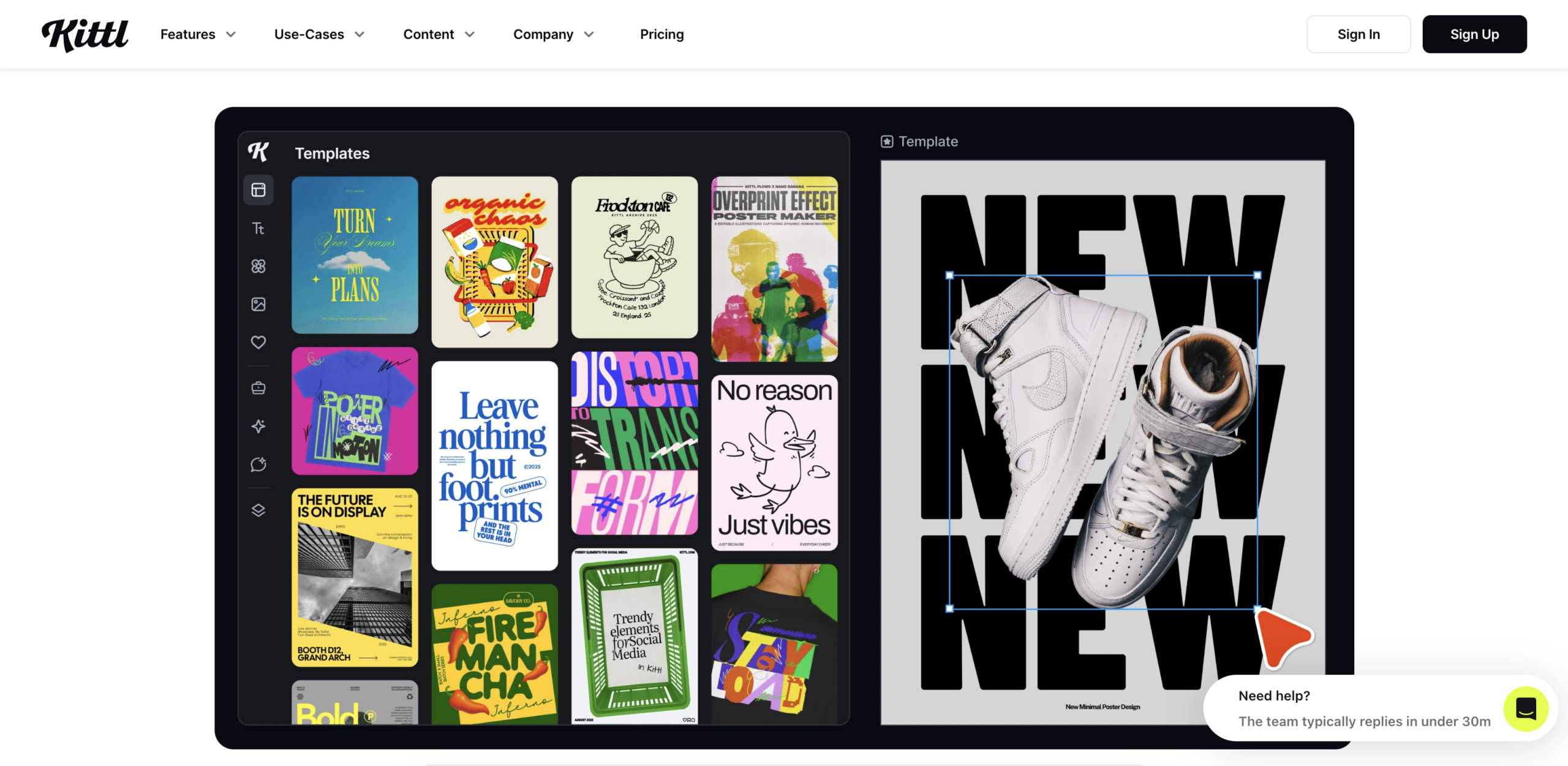
At first, I thought Kittl was just another online design tool trying to compete with Canva.
I was wrong.
After testing it, I started to understand why so many designers, print-on-demand sellers, and digital creators have been quietly adding it to their workflow.
If you’ve been looking for a faster way to create premium-looking designs without spending hours in Adobe Illustrator, this tool may be worth a closer look.
What Is Kittl and Why Is Everyone Talking About It?
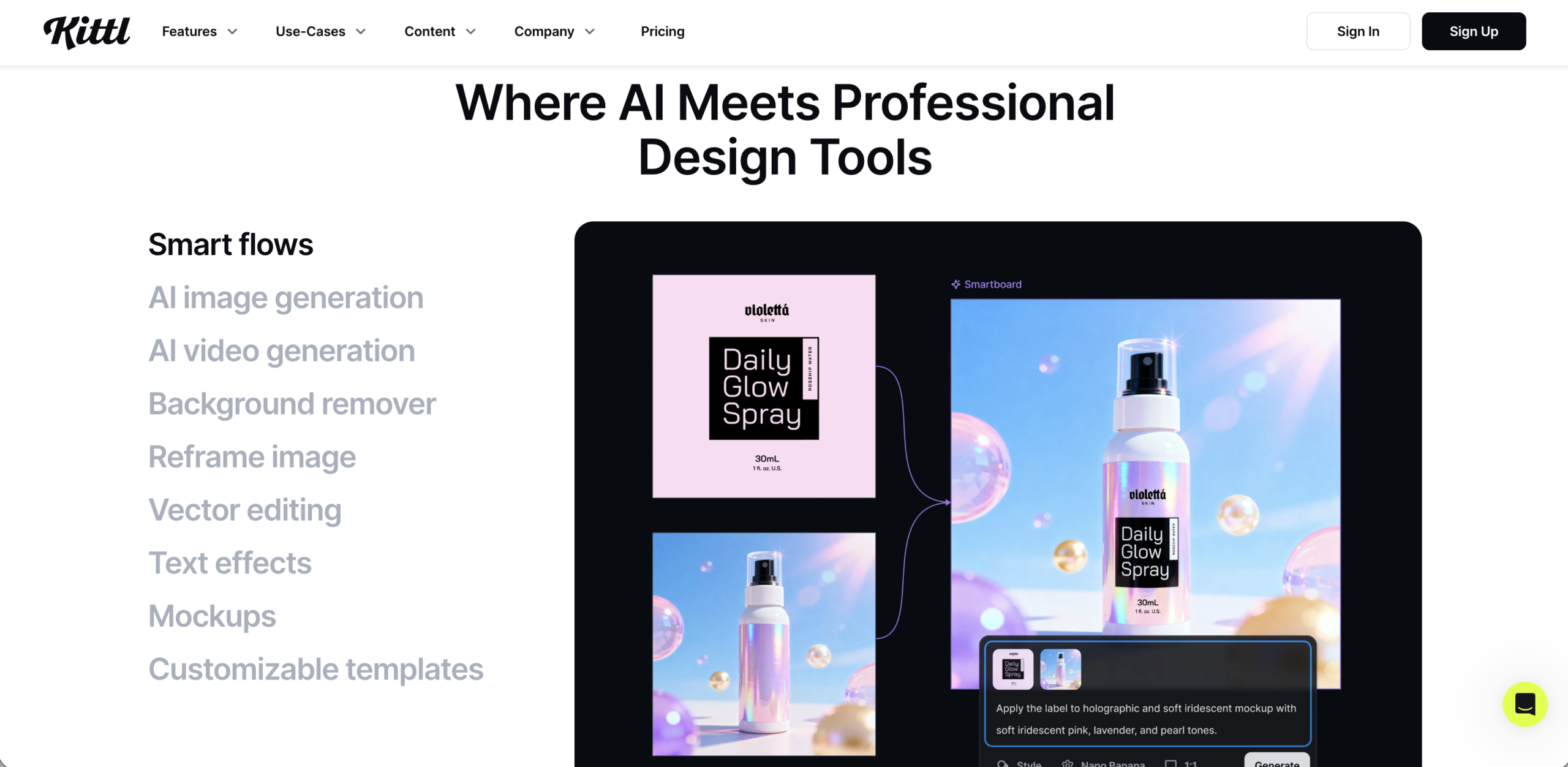
Kittl is a browser-based design platform focused on typography, illustration, layout creation, and ready-made design assets.
But what makes it different is not that it is “easy.”
It is that it can help you create work that looks much more advanced than the effort required.
That’s why many creators are paying attention.
A Design Tool Built for Premium Typography
One of Kittl’s biggest strengths is typography.
It makes it easy to create:
- Vintage text effects
- Retro lettering
- Curved typography
- Layered text treatments
- Decorative badges
- Ornamental layouts
Effects that often take much longer in traditional software can often be created in minutes.
Why Print-on-Demand Sellers Like It
For creators selling on Etsy or Redbubble, speed matters.
The faster you produce quality designs, the more products you can list.
And more listings often means more chances to sell.
That alone makes tools like Kittl interesting.
Kittl vs Canva vs Illustrator
Many people compare Kittl to Canva.
But they serve slightly different purposes.
Canva is great for general design.
Illustrator is powerful but can be complex.
Kittl sits somewhere in between—easy to use, but stronger for typography-heavy and merch-style graphics.
Why Many Designers Quietly Use Kittl
After experimenting with it, I noticed three reasons creators seem drawn to it.
Faster Design Workflow
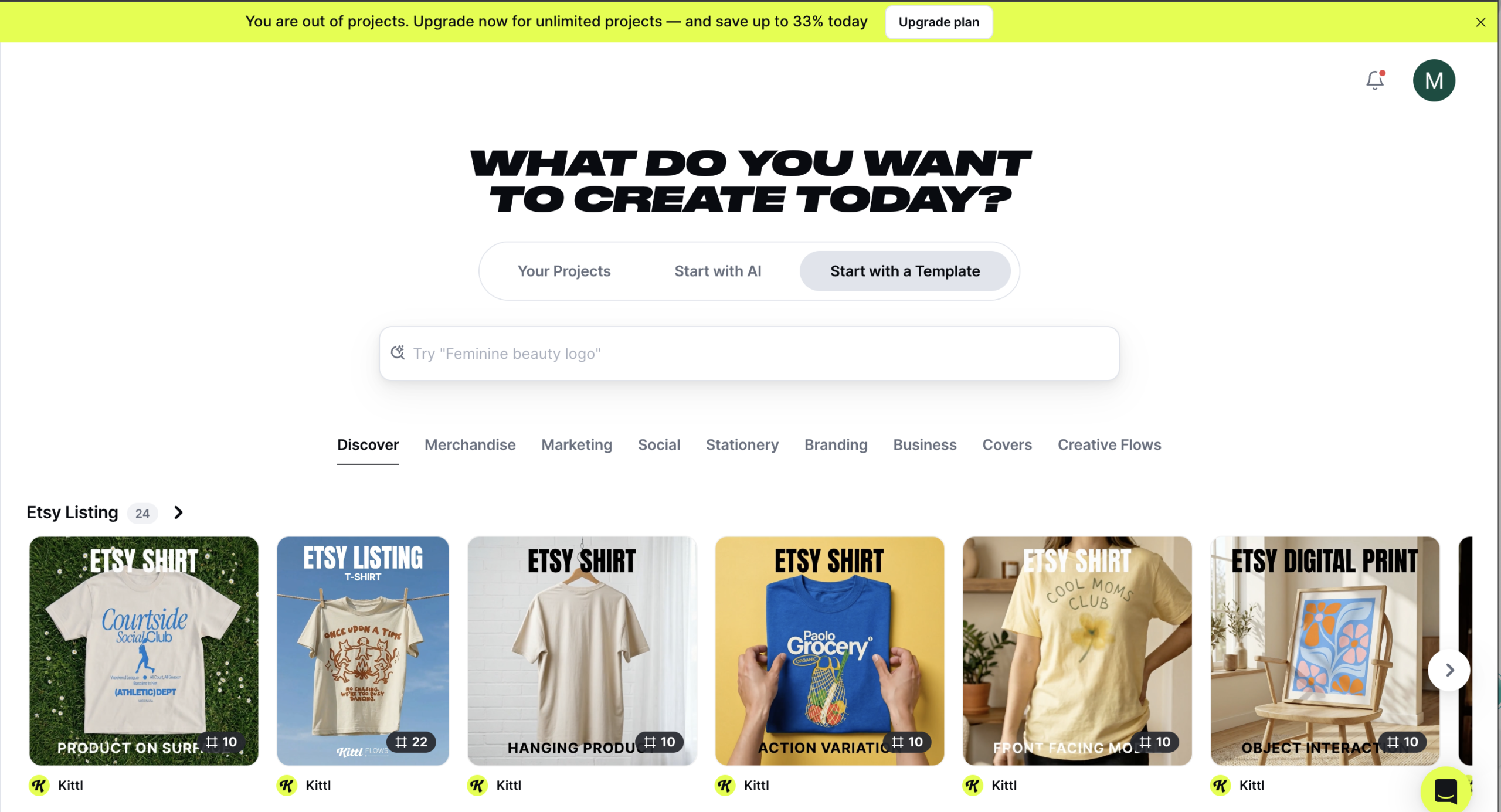
Instead of building everything from scratch, you can start from templates, edit elements, and move much faster.
For production-focused creators, this matters.
Premium-Looking Results
This surprised me.
Many templates and effects don’t feel “cheap” or generic.
Some genuinely look like assets you would buy in a marketplace.
Useful for Digital Product Sellers
If you sell design assets, merch, or creative products, faster output can support growth.
That’s a practical advantage.
Kittl Features That Make It Interesting
Some features that stand out include:
Typography Effects
Ready-made effects that save time.
Professional Templates
Useful starting points for logos, labels, posters, and t-shirt graphics.
AI-Assisted Creative Tools
Helpful for exploring ideas and generating variations.
Vector Editing
Useful for refining graphics without leaving the platform.
Is Kittl Good for Print-on-Demand?
If you create t-shirt graphics, badge designs, or typography merch, Kittl may be especially relevant.
Kittl for T-Shirt Design
Its lettering tools and layout features make it suitable for apparel graphics.
Kittl for Etsy Sellers
For creators selling digital downloads or merchandise on Etsy, it can support faster product creation.
Kittl for Redbubble
It can also be useful for generating designs intended for Redbubble and similar platforms.
Kittl vs Canva vs Adobe Illustrator — Which Is Better?
The answer depends on what you need.
When Kittl Has an Advantage
- Faster typography workflows
- Merch design
- Vintage-style layouts
- Template-based production
When Illustrator Still Wins
- Complex vector work
- Advanced custom illustration
- Professional print production
Which Is Faster?
For quick production and design output, Kittl often feels faster.
Is Kittl Worth It? An Honest Review
In my view, if you work in:
- Typography
- T-shirt design
- Print-on-demand
- Digital products
- Creative assets
…it is worth exploring.
Pros
- Easy to use
- Fast workflow
- Strong typography tools
- Premium-looking templates
Cons
- Not a full Illustrator replacement
- Some advanced features may require paid access
Who It’s Best For
- Designers
- Font creators
- POD sellers
- Digital asset creators
- Beginners wanting pro-looking results
Would I Recommend Kittl?
If your goal is faster production and stronger visuals, yes—at least try it.
Sometimes one tool doesn’t change much.
Sometimes it improves your workflow significantly.
This may be one of those tools.
Try Kittl and See Why Creators Are Switching
If you’re curious why so many creators are starting to use Kittl, it may be worth testing it yourself.
👉 Check out Kittl here and explore the features.
You may understand the hype pretty quickly.