No products in the cart.
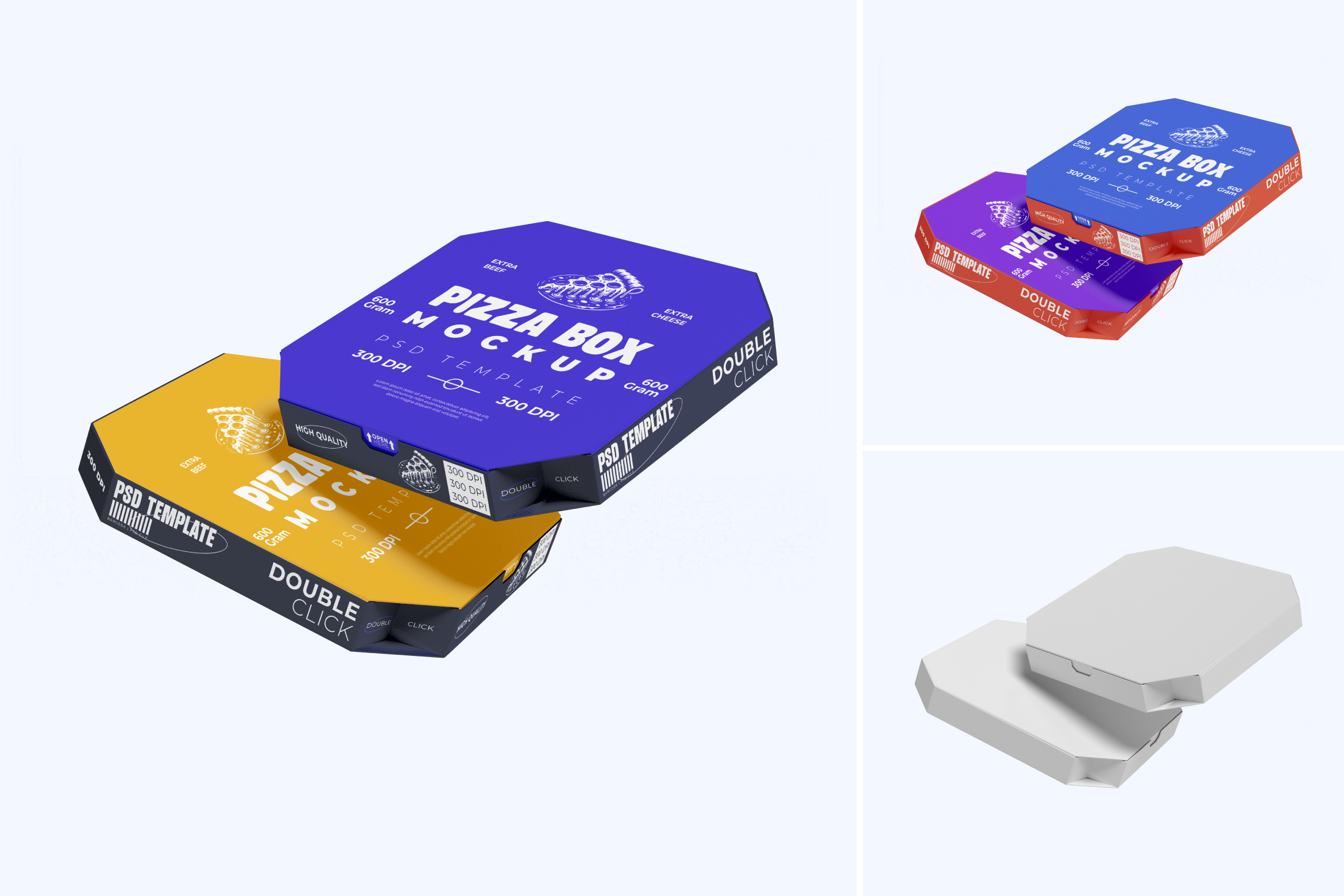
Packaging plays a crucial role in food branding, especially in the pizza industry where visual appeal directly influences customer perception. A professional pizza box mockup allows designers and brand owners to present their ideas in a realistic and convincing way. One valuable resource worth highlighting is the Free Pizza Box Mockup by Luxyvoo, available on Gumroad.
Download the mockup here:
https://luxyvoo.gumroad.com/l/pizzaboxmockup?layout=profile
Why Pizza Box Mockups Are Essential for Food Branding
Pizza boxes are not just containers—they are powerful brand touchpoints. Every customer interaction with a pizza box reinforces brand identity, from logo placement to color choice and typography. A strong packaging design can improve brand recall and customer trust.
Using realistic pizza box mockups helps designers present their concepts more clearly and professionally. Instead of showing flat artwork, mockups allow clients to see how the design will look in real-world conditions, reducing confusion and speeding up approval.
Mockups are especially important for food startups, restaurants, and delivery-based brands that rely heavily on visual marketing.
About the Free Pizza Box Mockup by Luxyvoo
The Free Pizza Box Mockup by Luxyvoo is a high-quality PSD template designed specifically for branding and packaging presentations. It is available as a free ($0+) download on Gumroad, making it accessible to both beginners and professional designers.
You can download the mockup directly from this page:
https://luxyvoo.gumroad.com/l/pizzaboxmockup?layout=profile
This mockup is part of the Luxyvoo Gumroad collection, which focuses on clean, realistic, and easy-to-use mockups for branding projects.
Key Features of the Free Pizza Box Mockup

This mockup includes everything needed for a professional presentation:
- High-resolution PSD file
- Smart Object layers for fast editing
- Realistic lighting and natural shadows
- Clean and minimal composition
- Suitable for portfolios, presentations, and marketing visuals
The design keeps the focus on the pizza box itself, ensuring that your branding stands out without distraction.
How to Use the Pizza Box Mockup in Photoshop
Using the Free Pizza Box Mockup by Luxyvoo is simple and efficient:
- Download the PSD file from Gumroad
- Open the file in Adobe Photoshop
- Locate the Smart Object layer
- Insert your pizza box design or logo
- Save the Smart Object
- Export the final image for presentation or promotion
This workflow allows designers to achieve realistic results without advanced Photoshop skills.
Who Should Use This Free Pizza Box Mockup
This mockup is suitable for a wide range of users, including:
- Graphic designers working on food branding
- Freelancers preparing client proposals
- Restaurant owners visualizing packaging ideas
- Design students building portfolio projects
- Content creators showcasing food brand concepts
Because the mockup is neutral and versatile, it works well for both modern and traditional pizza brands.
Explore More Mockups from Luxyvoo
If you find this free pizza box mockup useful, Luxyvoo offers many other branding and packaging mockups on their Gumroad store. Their collection includes mockups for food packaging, signage, merchandise, and brand identity presentations.
Visit the full store here:
https://luxyvoo.gumroad.com
Exploring additional mockups can help maintain visual consistency across different branding materials.
Final Thoughts
The Free Pizza Box Mockup by Luxyvoo is a practical and professional resource for anyone working on pizza branding or food packaging design. With its realistic presentation and easy-to-edit format, it helps designers communicate ideas clearly and effectively.
Download the mockup here:
https://luxyvoo.gumroad.com/l/pizzaboxmockup?layout=profile
8 Essential Bold Fonts from KangFont You Need

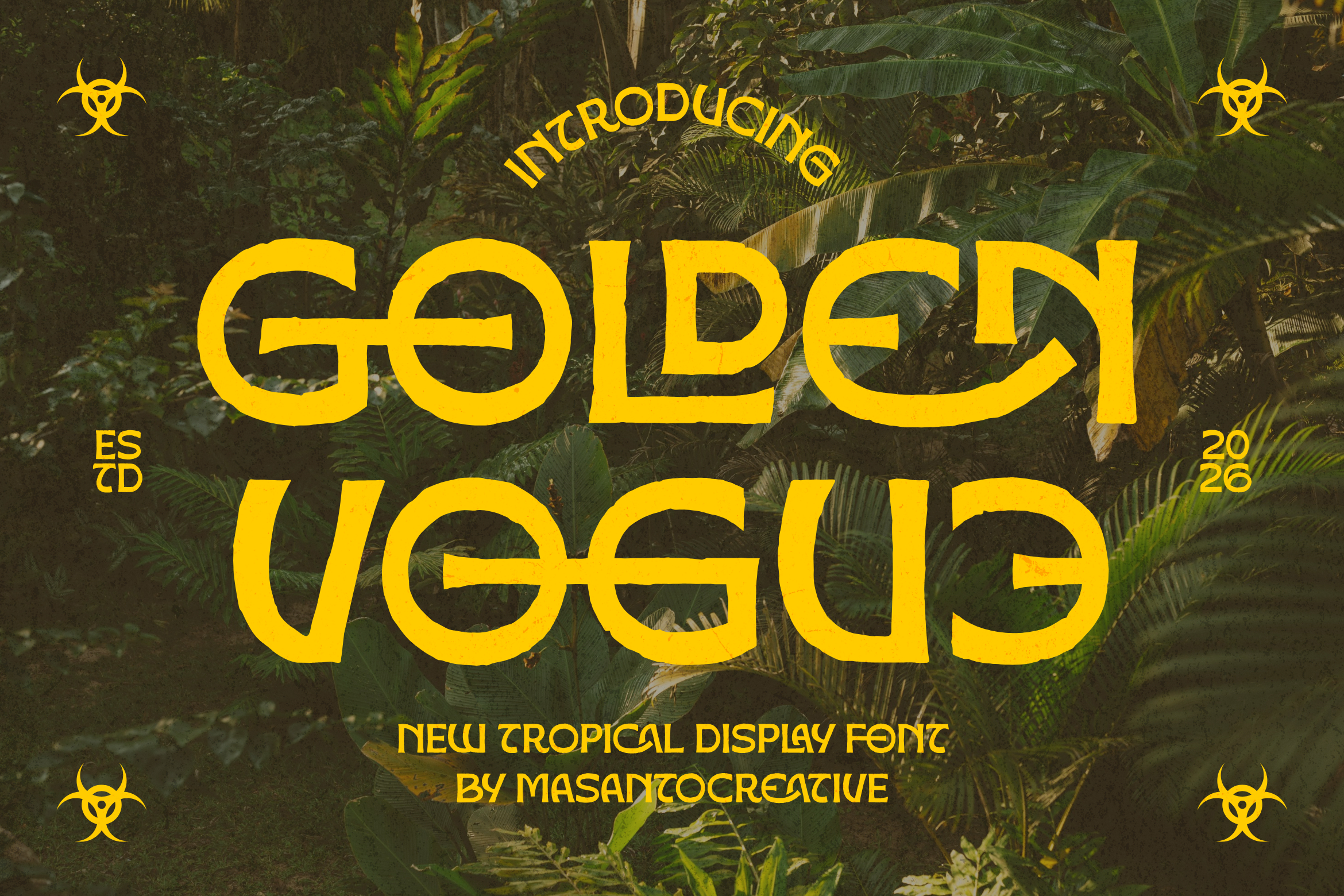
Bold fonts in branding and typography Bold fonts have always been a go-to choice for designers who want visuals that feel strong and confident. They are easy to spot from far away. For logos, posters, product packaging, social media headlines, or merchandise, heavy, thick letter-forms grab attention. There are eight popular bold fonts on KangFont…
Case Study: How a Creative Agency Strengthened Its Branding Through Corporate Font Licensing

Most creative agencies don’t think about font licensing until it becomes a problem -” a client asks for proof of rights, a new hire flags an inconsistency, or a rebrand reveals that half the team has been using different, unlicensed versions of the “same” font. This case study looks at how one agency turned that…
How to Install and Activate Fonts in Adobe Photoshop

Downloaded a new font and can’t find it in Photoshop’s font dropdown? This happens to almost everyone at some point, and it’s usually a quick fix. Here’s exactly how to install and activate fonts correctly, plus what to do when Photoshop just won’t cooperate. Method 1: Install the Font at the System Level (Most Reliable)…